RamTV
RamTV  XazTube
 Installation
Installation - License
Verify the purchase code and fetch the certificate
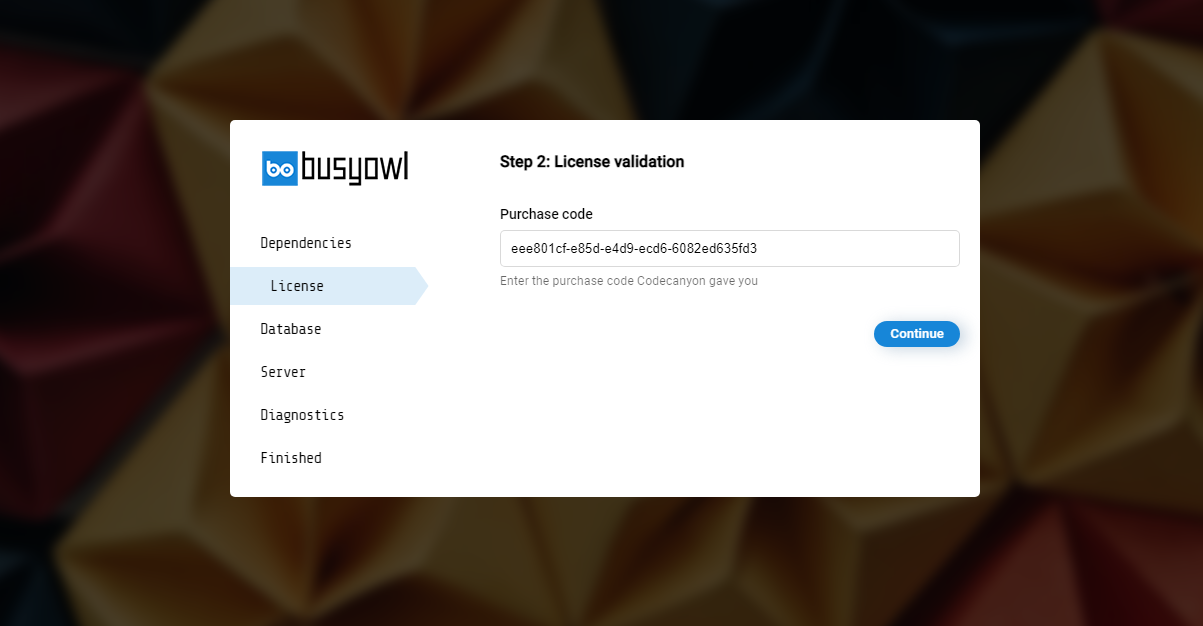
You'll need to verify your purchase on step 2
Paste the purchase code you copied in step 0 and click on "Continue"
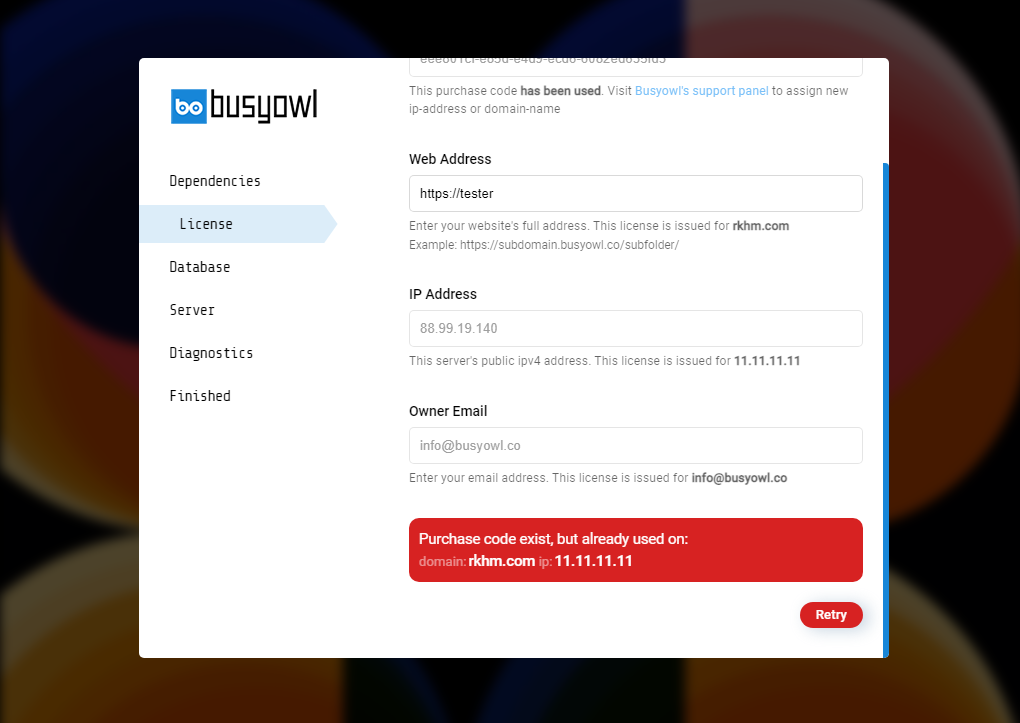
Script will contact Busyowl's API server to check the purchase code and retrieve certificate. If purchase code exists & is already used on another domain/ip, you can't proceed with installation. You'll need to provide some information in step 2. Triple check these values since they can't be reversed
- Web Address: The absolute path to your website. License will be issued for this domain. Your site will not operate if you make a mistake in entering the address. If you own SSL certificate, make sure you enter the web address in HTTPS://yoursite.com
- Owner Email: Your email address. The license will be issued for this email. Only this email can login to Busyowl's support panel to submit support tickets or reset license
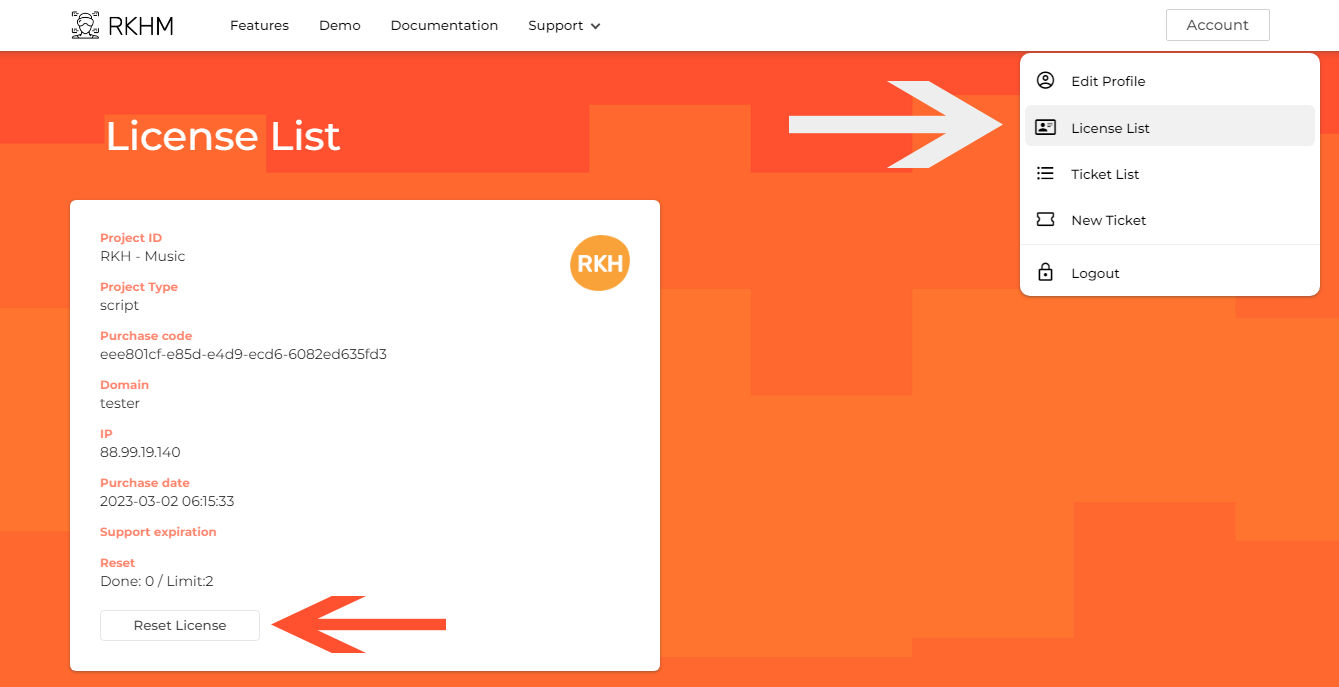
If you wish to reset your purchase code to install else where, head to your panel, select "Account" -> "License List", find your license and hit the "Reset License" button